#11: Antivirus
Sometimes we think that multiple antivirus/ malware software will keep our smartphone healthier. It is other way round. Multiple anti-virus software not only make your phone slow but also drain your smartphone battery at a faster rate
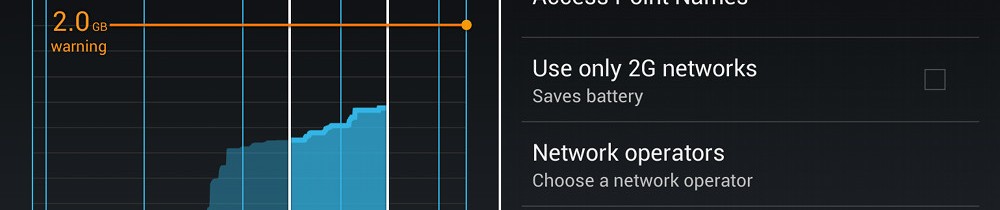
#12: 2G and 3G
Do you have a 3G plan? 3G plans are faster but remember that they are not available everywhere. When 3G networks are not available and your phone in set on 3G, you are bound to drain battery by continuous search of 3G network. Go to Settings- More Settings- Mobile Networks- Network Mode/ preferred Network type- 2G when 3G signal is not available or you don’t have a plan for it  Pay Special attention to
#13: Unnecessary Apps
This is more or less the main culprit. You don’t need all the Apps in the world and you don’t need all the necessary Apps always and everytime. Please download selective apps and when you don’t need to use any particular apps, please go to settings- Application Manager- All and select the particular apps and disable it. In case you don’t see the disable option, please uninstall all the updates and then try to disable it. 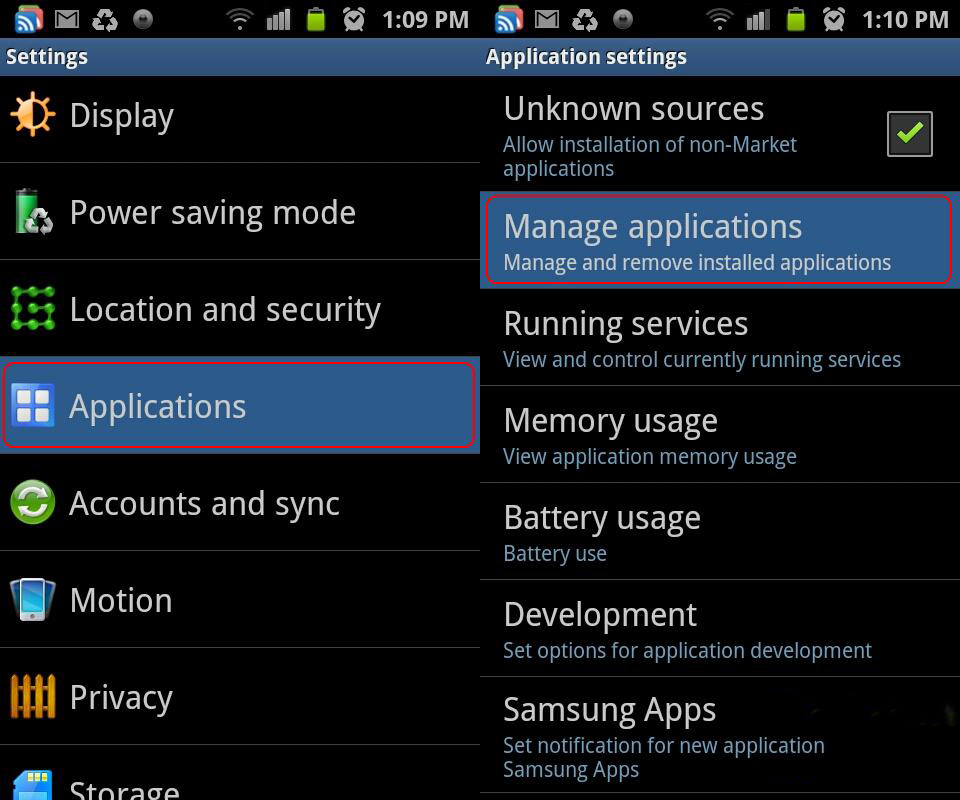
#14: Proper Exit of the apps
Contrary to popular belief, after using the apps if you press home, the apps doesn’t get closed. It runs in the background. A number of such apps will slow down your smartphone and will also drain your smartphone battery. Either press repeated back button or use a formal exit menu to close the apps.
#15: Auto update
Please understand that the auto update is a convenience feature and not an essential feature. You can do that in your leisure and convenience. Auto update, now and then, will drain the battery. Please go to play store- Settings- auto update apps and set it to do not auto update 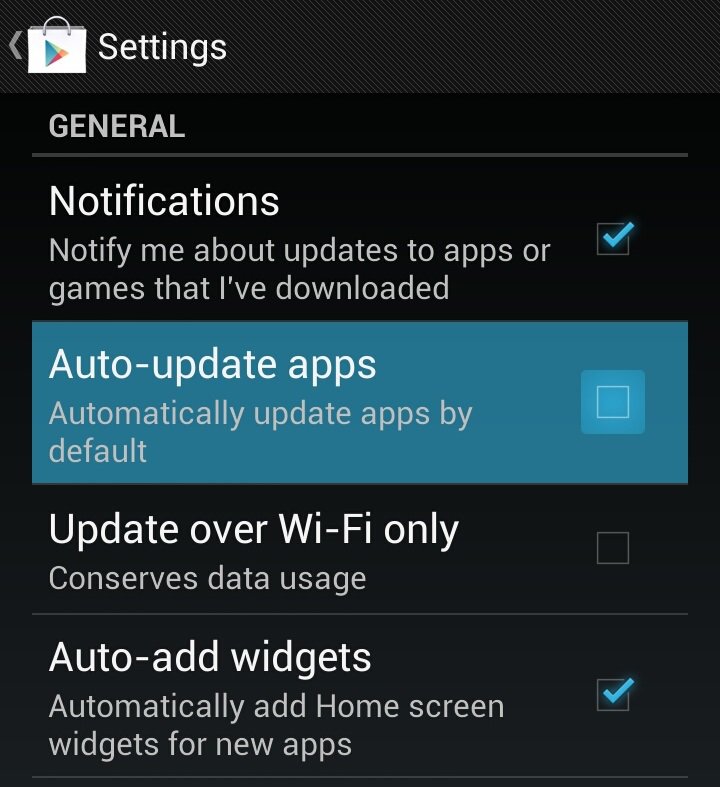
#16: Use of Book Marks
Many of the apps like Facebook, twitter, mails etc. can very well be accessed through the browser. Usage of apps for these is a matter of convenience only. Apps gets auto updated, gets synchronized frequently. All these activities consumes data, make the phone slower and drain battery. In case you don’t use them frequently keep them in browser bookmark so that you can open then fast in the browser instead of downloading apps.
Last but not the least
Sometimes, when your smartphone battery is giving you trouble in terms of very fast discharge, you are always in a fix to decide if it is battery related problem or problem with the usage and apps. The easiest solution here is to boot the phone in safe mode. Keep on pressing the power button until you get the pop-up for powering the phone off. Keep pressing the power off menu instead of touching it once you will get the option of booting the phone in safe mode. This mode only loads the core Android apps and options. If you are able to run the battery for a longer time in this mode, it is definitely not a battery problem. 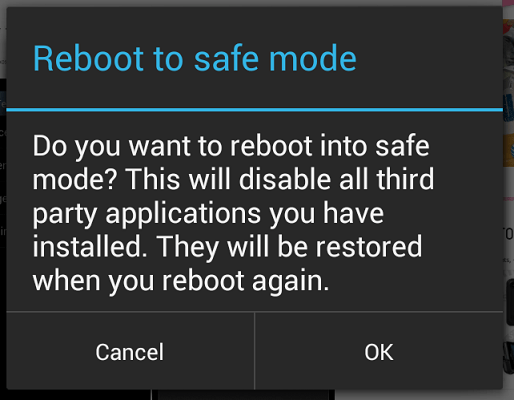
This safe mode comes handy when you have that last drop of smartphone battery and you want to pull on to the maximum.
Author: Technology Vista

