#4: Location Service
Be cruel on this. Just go to Settings-Location services and uncheck all the boxes. You don’t need location services most of the time. Apart from the battery issue, there is a privacy concern too regarding location service. 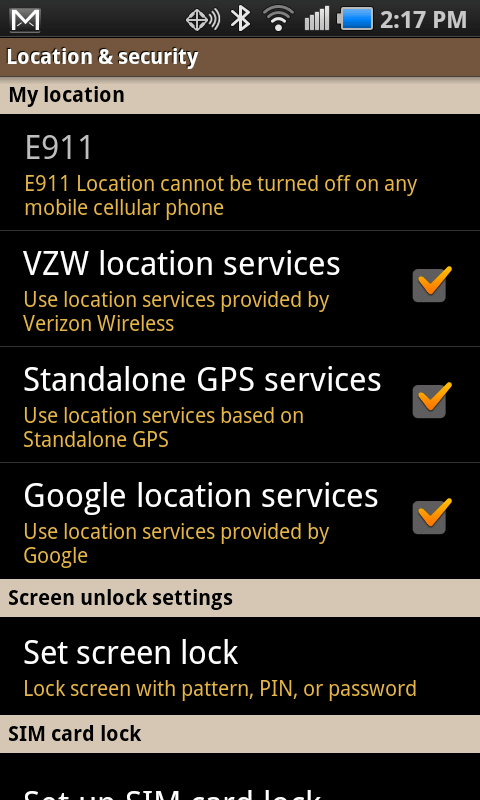 Reduce them
#5:Screen brightness
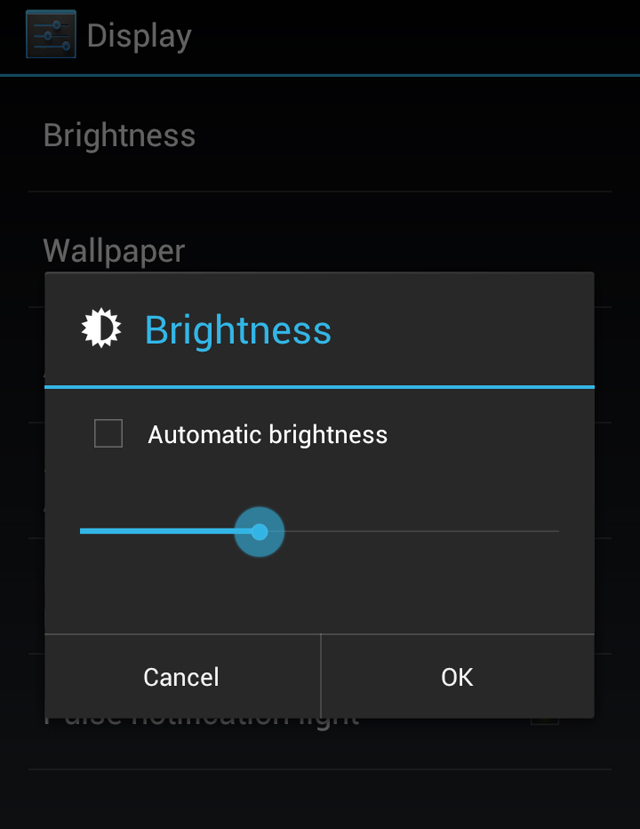
You may love big screen, high resolution and a bright smartphone. But keep in mind that these are the biggest source of smartphone battery drain. Keep the brightness in auto mode. Make the brightness less first and then put in in Auto. Unless it is too uncomfortable to keep it around 45% or so.
 #6: Screen Timeout
Timeout and battery life are inversely proportional. Keep the timeout short to prolong the battery life. Go to Settings- Sound & Display- Screen timeout and reduce the same.
#7: Usage of camera and video
You must have observed that usage of camera and video makes the phone hot and it reduces the battery life. Make sure that you exit and come out of these applications rather than pressing home and pushing these applications running in the background. If the phone is too hot, please restart the phone.
Avoid these completely
#8: Vibration
Vibration eats a lot of battery. Keep the vibration in off mode. Go to Settings- Sound & Display – Phone Vibrate and keep the vibration off 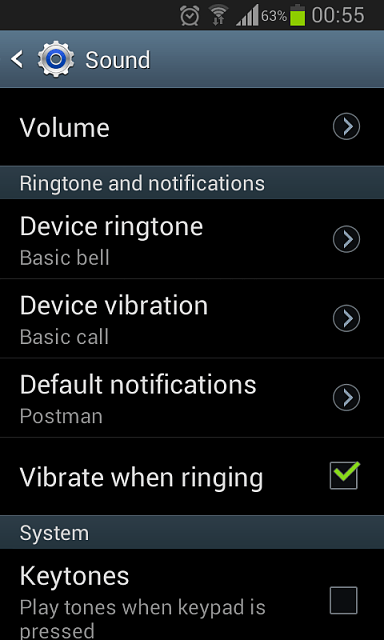
#9: Live Wallpaper
Live wallpaper, as the name suggests, uses processor power and reduces battery. Many times, it slows down the phone substantially. Use a dark color wallpaper instead of live wall paper
#10: Widgets
Widgets make your life easy. They are like live applications. Facebook, Twitter, Weather updates etc. appearing automatically are having their own charm but ultimately you have to think about their real usage. Take a hard look and identify the ones you need most. Remove rest of them from your home screen.

