
File Explorer
There are many third party file explorers available but the Marshmallow one can easily do the basic jobs like move, copy, share files etc. There is also an option of using the search bar for searching a particular file. To make use of the File Explorer, go to Settings>Storage & USB, scroll down to the bottom and tap ‘Explore’.
Customize Status Bar and Quick Settings
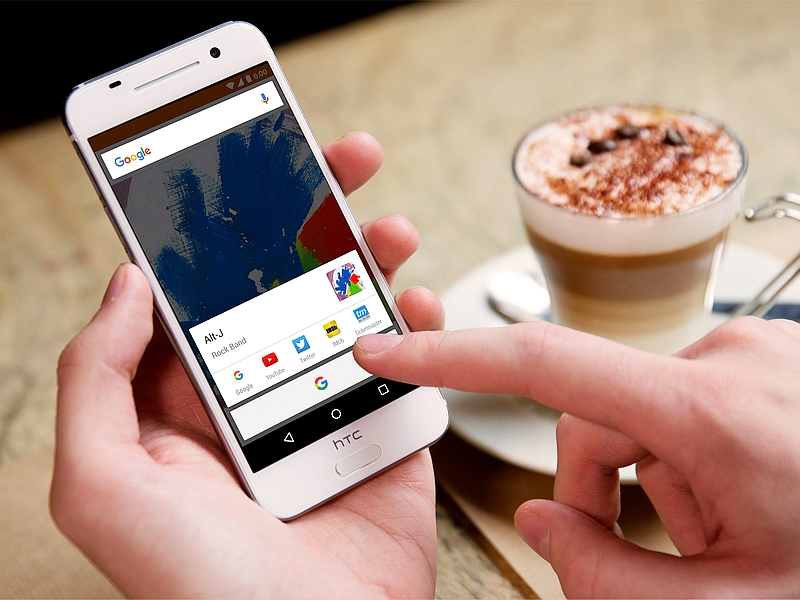
Tapping on the Staus bar will enable you to turn on and off which icons show up in the status bar. Tapping on Quick Settings will get you access to making o the Quick Settings pane and Status bar.
Battery percentage information on Status bar
If you are using Marshmallow OS, then you just have to swipe down from the status bar using two fingers and you will see the battery percentage in the Quick Settings pull down. But if you want the battery percentage to always show on the battery icon, go into the aforementioned System UI Tuner and toggle the “Show embedded battery percentage” on. This will show you the exact percentage of battery you are left with.
Volume controls get smarter
If you have a Marshmallow OS, then pressing the volume buttons up and down you will get individual sliders for adjusting the volume of the notifications, music and timer. And if you wish to access the additional sliders, just tap on the down arrow.
Easy management of app permissions
Marshamllow makes it easier to manage app permissions. Its easy to revoke access using Marshmallow. Go to Settings>Apps>*app name* >Permissions and you can decide for each app the kind of access you would like to provide like location, camera, microphone, etc.
Voice Search from lock screen
You can easily miss this one. If you look closely at the lock screen, you will notice a shortcut for Google voice search in the lower left corner. Swipe from the microphone icon and it will launch a voice search.
What say? Now that you know of all the features, you just have to go and give it a try. Afterall Marshmallow is one of the coolest OS by Google.
[adinserter block=”7″]
Author: Technology and Beyond

