
So, hoteliers should sit up and notice the fact that people are increasingly considering the Internet as essential service and they are considering it synonymous to their occupancy in the room. Now, we cannot really force them to realize a simple fact that they may lose repeat visit of the guests once they try to squeeze them for net connection. What we can do here is to know the scenario perfectly and be prepared for the eventualities.
So, you need a free WiFi connection and that’s the bottomline. Here are the survival steps according to the monetary implications:
- Look Somewhere Else : WeFi has a database of more than 132 million Wi-Fi hotspots worldwide, from small towns to urban centers and it is ever growing. The company also regularly updating their apps for both iOS and Android and therefore, it should be easy to locate the closest Wi-Fi on the go. This option is useful, if you cannot take steps as described below
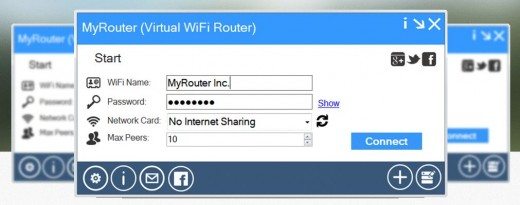
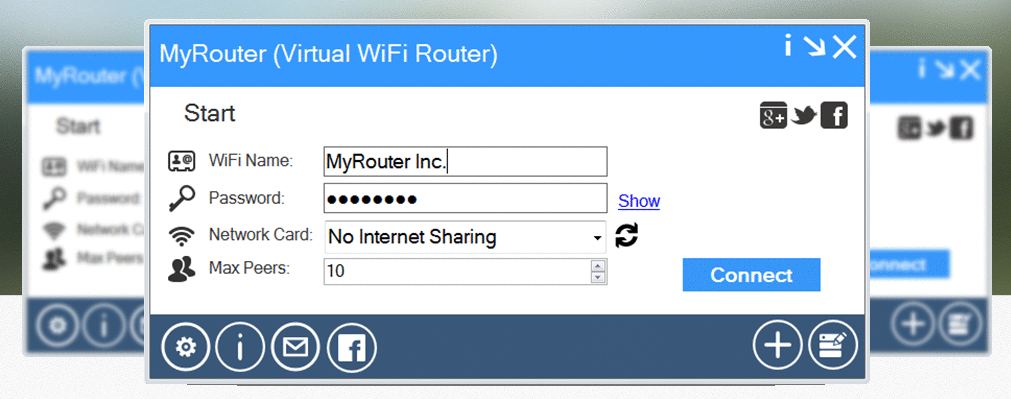
- Purchase a Virtual Router: There are many virtual routers available in the net to download. It is useful when you are provided with free Ethernet connection and WiFi is chargeable. It converts your laptop to a WiFi hotspot. While there are many free ones they are not reliable and steady. I personally tried using a few and came to the conclusion that we should purchase these small applications. This also supports and encourages the developer to come out with the possible enhancements. There are many in the market but one I am comfortable with is available here: MyRouter.
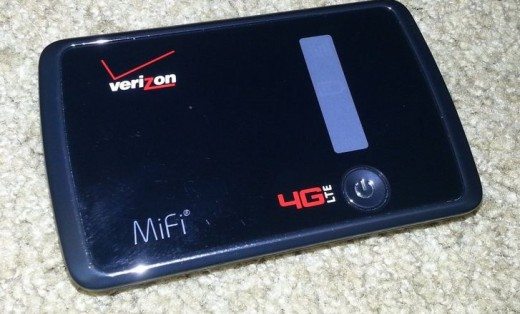
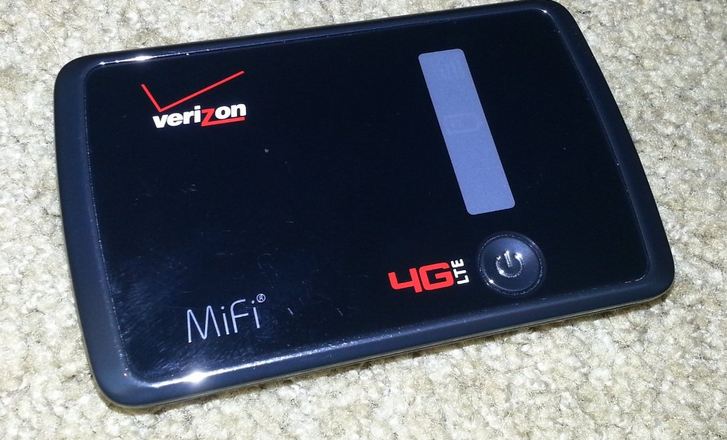
- Purchase a small physical router: Small and portable physical routers are becoming inexpensive and versatile nowadays. You can then connect your Apple AirPort Express or similar portable Wi-Fi hotspot device to send connectivity to your laptop and mobile devices. Recently, ASUS has come out with WL-330NUL all-in-one pocket router which is positioned as the world’s smallest router. But, if you have a little bit more space in your travel bag, I would recommend more versatile 3G/4G/Ethernet port wireless routers. They easily accommodate a 3G/4G sim card inside which reduces lot of your headache

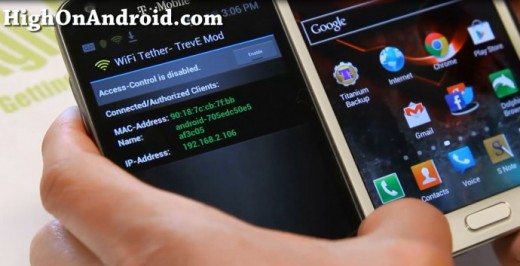
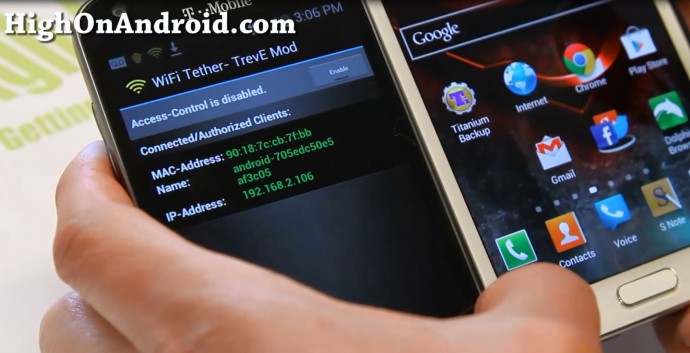
- Tether your Smartphone : It’s possible to tether your 3G or 4G connection from your smartphone to your computer and other devices. Of course, your smartphone data connection and charges will come into picture. I assume that you are having a good data plan and you are only using it in emergency. Just turn on your phone’s personal hotspot option/ tethering option, located in settings. By setting a password, you will be able to prevent other guests in nearby rooms from connecting to your hotspot. Many times, you may be disappointed with your mobile browser’s low speed but you will be surprised that with the same connection you are able to surf at a high speed in the computer. This option is useful, if you are travelling within your country. Otherwise, the data charges abroad will be extremely prohibitive
- Use USB Internet dongles and Internet Sharing: As an extension to the above, you might opt for a 3G/4G dongle which can be connect to your computer USB port. This connection can be shared wirelessly to all your internet ready electronic devices. Like the option above, this is also more applicable for domestic travelling.
How do you avoid paying for Wi-Fi at hotels? Let us know in the comments.
Author: Technology Blog
Previous Page
Pages: 1 2

