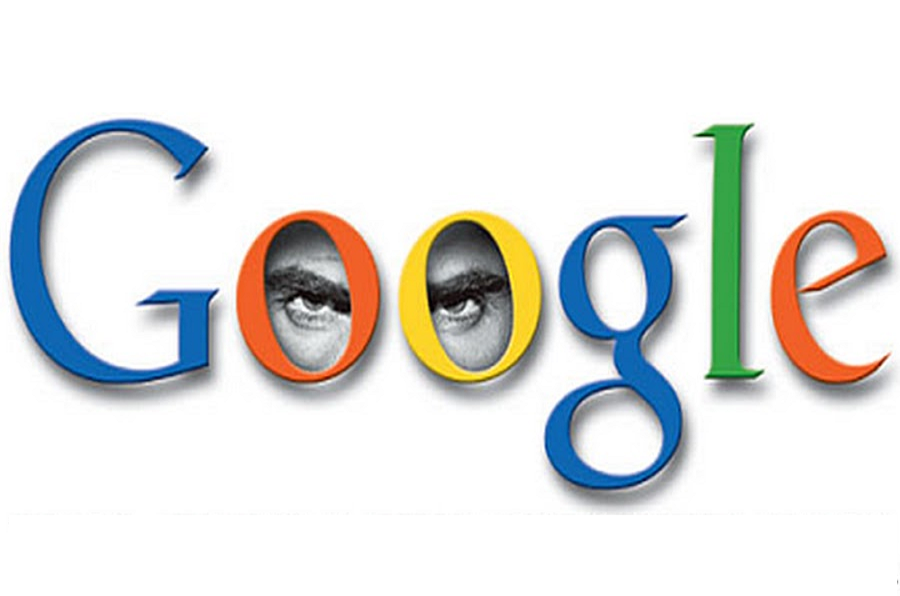
You have the right to choose and decide
You have to keep in mind that only you can decide which information you want to be in records because it is your profile and history we are talking about. So it is important that you know which details are you sharing with Google through your account and for this you have Google’s personal info & privacy page. This is the page where you can choose to turn off any activity that you don’t want to be tracked.

You can check the apps that have an access to your Google account data. Some apps can access your data even when you have uninstalled them. But note that, you can easily stop any app from accessing data from Google account. For this, you have to go to Google Security page, then to “Connected apps & sites”. This is where you can manage the apps accessing your data.

You can go Google free after downloading all of your account data. You can select data from Google+, Blogger, Bookmarks, Calendar, Contacts, Drive, Fit, Photos, Hangouts, Maps, YouTube and more. Once you have selected the data you want to archive, you can hit next and choose the compressed file format for your download. Then, you can either choose to get the download link on your email account or add the file to Drive, Dropbox or OneDrive.
So at the end of the day, Google may know a hell lot of things about you but it will never do so without your permission. So the reins are in your hands.
[adinserter block=”7″]
As a technology lover you may like our daily important technology news series. It’s a playlist and you can retrieve the total day-wise videos. Please consider subscribing our YouTube channel:
Author: Technology and Beyond

